
LLM Deployment Guide: From Prototype to Production
Building an LLM demo is easy. Running it securely and reliably in production is the hard part.
Why LLM deployments fail after the demo
Most LLM prototypes work in a controlled environment. Production introduces traffic, latency, authentication, rate limits, data privacy, cost spikes, and monitoring problems.
Core production components
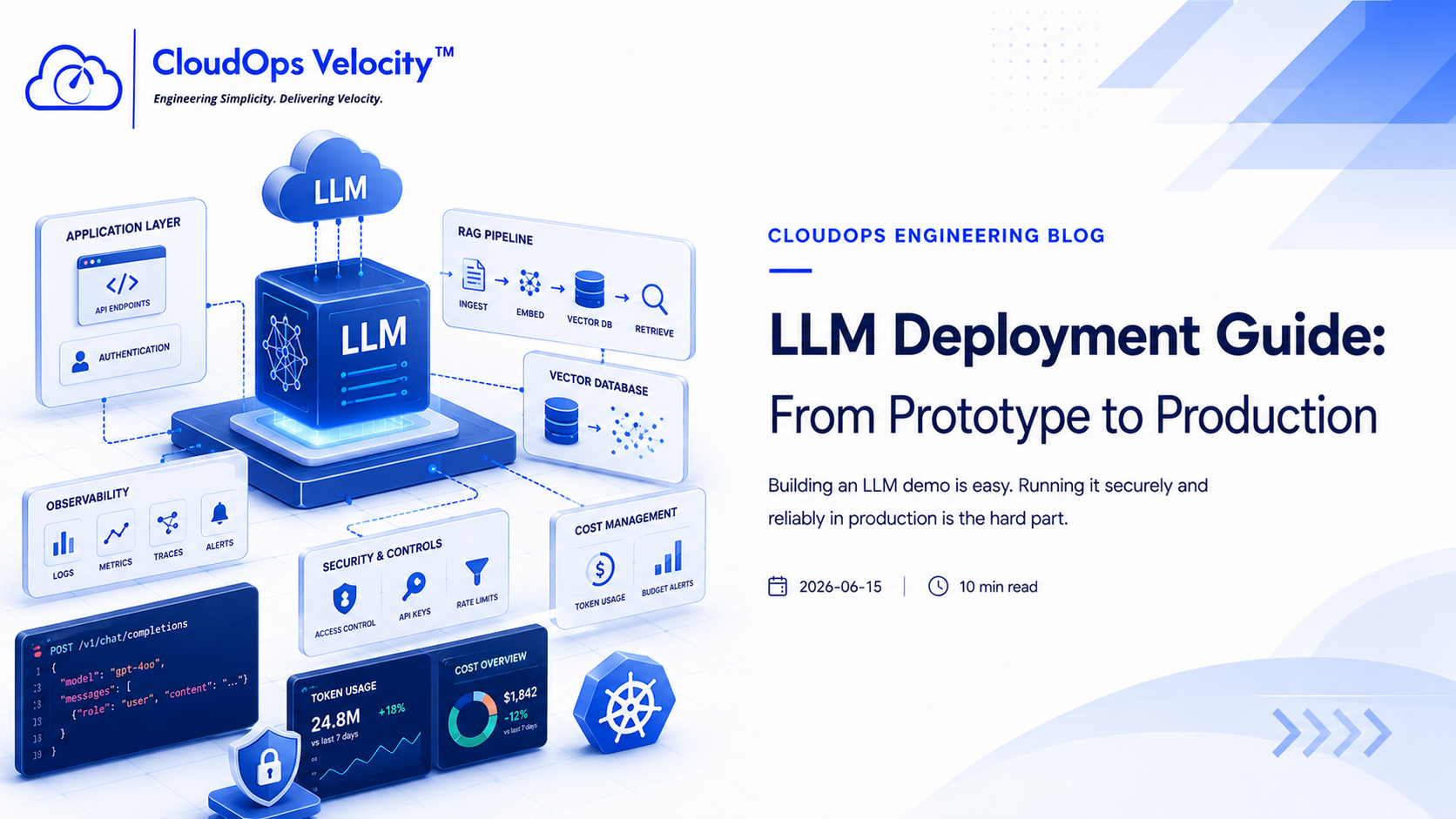
A production LLM application needs more than a prompt and an API call.
- ✓Application API layer
- ✓Authentication and access control
- ✓Prompt and configuration management
- ✓Vector database if using RAG
- ✓Logging and observability
- ✓Rate limiting and cost controls
- ✓Fallback and error handling
RAG infrastructure
Retrieval-Augmented Generation requires embedding pipelines, document processing, vector storage, retrieval logic, and relevance monitoring.
- ✓Document ingestion
- ✓Chunking strategy
- ✓Embedding generation
- ✓Vector database
- ✓Retrieval evaluation
- ✓Data refresh workflow
Security and cost control
LLM apps can leak data or burn budget quickly if not designed carefully. Every production deployment needs controls.
- ✓Protect API keys
- ✓Filter sensitive data
- ✓Add user-level access controls
- ✓Monitor token usage
- ✓Set budgets and alerts
- ✓Log safely without exposing private data
Ready to put this into practice?
If your engineering team needs help implementing these practices, we're here to help you architect, automate, and scale your infrastructure.
Frequently Asked Questions
What is needed to deploy an LLM app in production?
You need API infrastructure, authentication, observability, scaling, prompt and version control, data security, vector storage if using RAG, and cost controls.
Do LLM apps always need GPUs?
No. Hosted APIs may not require GPUs, while self-hosted models or private inference often do.