
Kubernetes Cost Optimization Guide
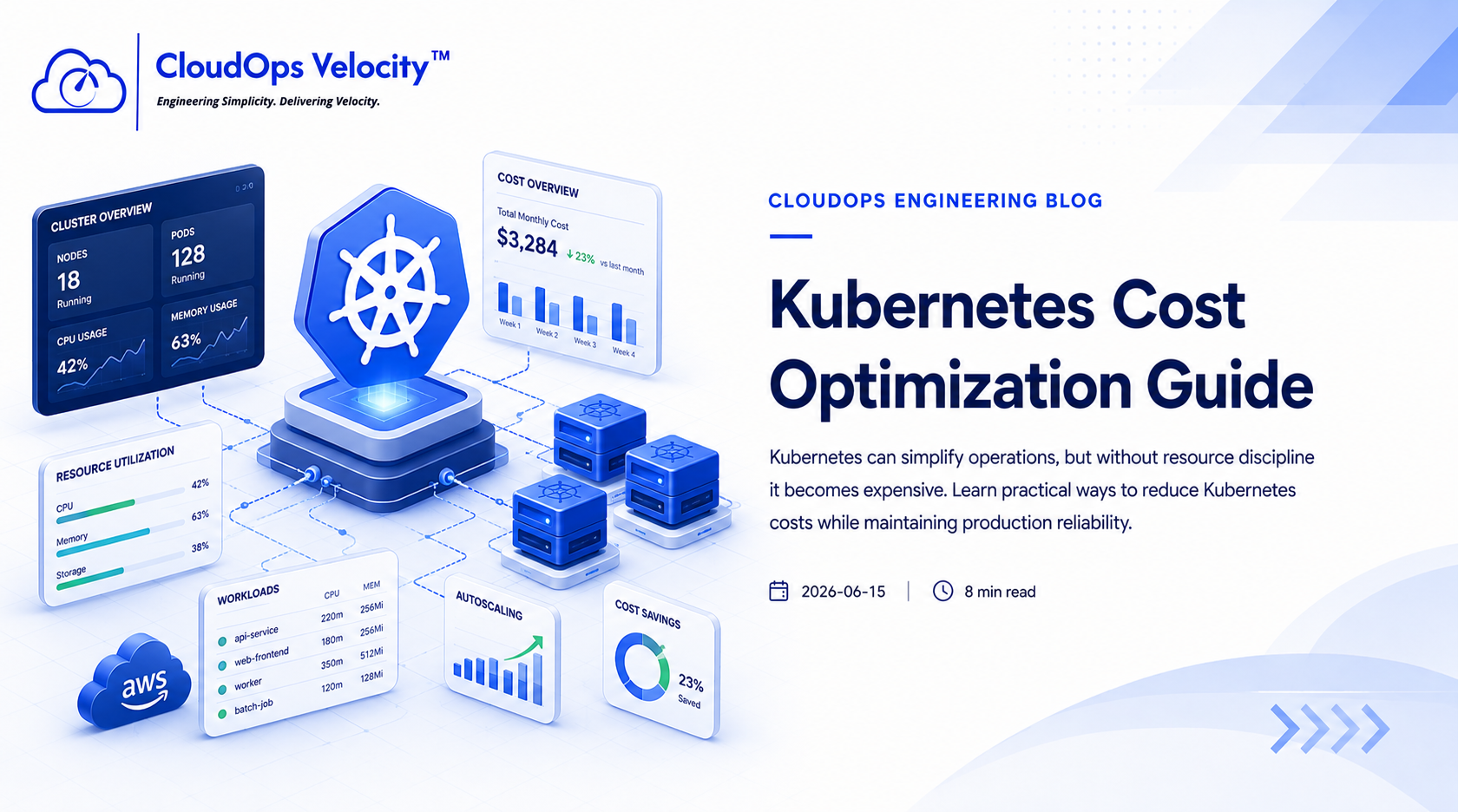
Kubernetes can simplify operations, but without resource discipline it becomes expensive. Learn practical ways to reduce Kubernetes costs while maintaining production reliability.
Why Kubernetes costs get out of control
Kubernetes hides infrastructure complexity, but it does not eliminate infrastructure costs. Poor resource planning often leads to oversized clusters and unnecessary cloud spending.
Set proper resource requests and limits
CPU and memory requests should reflect actual workload usage instead of guesses.
- ✓Measure real CPU usage
- ✓Measure real memory usage
- ✓Configure realistic requests
- ✓Review limits regularly
- ✓Audit workloads every month
Use autoscaling correctly
Horizontal Pod Autoscaler and Cluster Autoscaler reduce waste only when configured using accurate workload metrics.
- ✓Enable Horizontal Pod Autoscaler (HPA)
- ✓Configure Cluster Autoscaler
- ✓Use scheduled scaling where appropriate
- ✓Avoid excessive minimum replicas
Optimize worker nodes
Worker nodes are one of the largest Kubernetes cost drivers. Choosing the correct node strategy significantly reduces infrastructure costs.
- ✓Use workload-specific node pools
- ✓Use Spot instances where appropriate
- ✓Separate system and application workloads
- ✓Improve pod bin packing
- ✓Remove idle worker nodes
Ready to put this into practice?
If your engineering team needs help implementing these practices, we're here to help you architect, automate, and scale your infrastructure.
Frequently Asked Questions
Why is Kubernetes expensive?
Kubernetes becomes expensive when teams overprovision nodes, configure poor resource requests, ignore autoscaling, and lack workload-level cost visibility.
Can Kubernetes costs be reduced without downtime?
Yes. Kubernetes costs can usually be reduced safely through staged optimization, monitoring, and careful rollout strategies.