
EKS Cost Optimization Guide
Learn how to reduce Amazon EKS costs using resource requests, autoscaling, node groups, Spot instances, monitoring, workload rightsizing, and Kubernetes best practices.
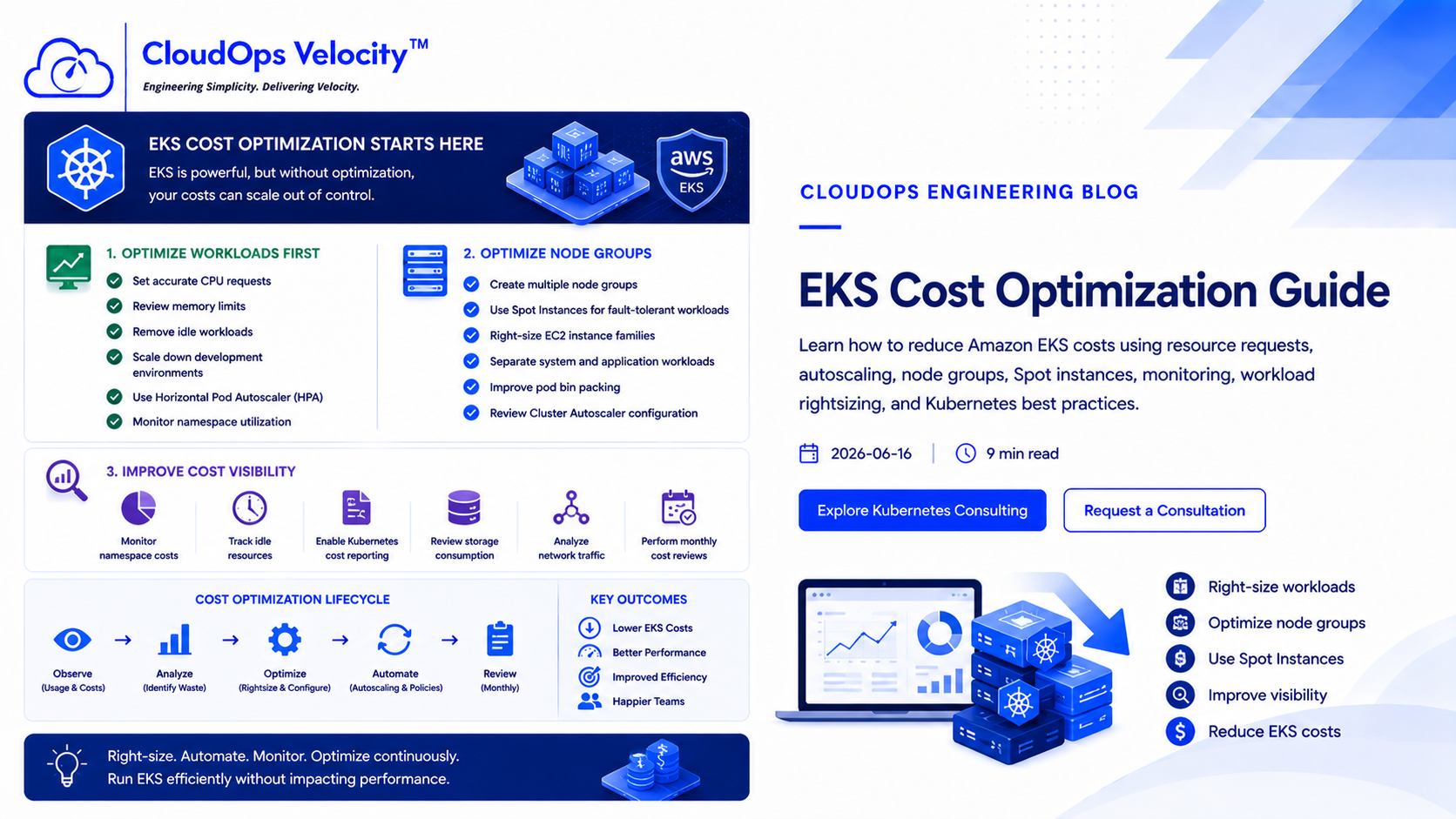
Why EKS costs grow
Amazon EKS provides powerful Kubernetes capabilities, but many organizations pay far more than necessary because clusters are never optimized after deployment.
Oversized worker nodes, unused workloads, poor autoscaling, and inefficient resource allocation are among the most common reasons EKS costs increase over time.
Optimize workloads first
Before changing node types or purchasing additional capacity, review how applications actually consume CPU and memory.
- ✓Set accurate CPU requests
- ✓Review memory limits
- ✓Remove idle workloads
- ✓Scale down development environments
- ✓Use Horizontal Pod Autoscaler (HPA)
- ✓Monitor namespace utilization
Optimize node groups
Worker nodes should match workload characteristics rather than using one large node pool for every application.
- ✓Create multiple node groups
- ✓Use Spot Instances for fault-tolerant workloads
- ✓Right-size EC2 instance families
- ✓Separate system and application workloads
- ✓Improve pod bin packing
- ✓Review Cluster Autoscaler configuration
Improve cost visibility
Successful Kubernetes cost optimization requires visibility into workloads, namespaces, teams, and infrastructure utilization.
- ✓Monitor namespace costs
- ✓Track idle resources
- ✓Enable Kubernetes cost reporting
- ✓Review storage consumption
- ✓Analyze network traffic
- ✓Perform monthly cost reviews
Ready to put this into practice?
If your engineering team needs help implementing these practices, we're here to help you architect, automate, and scale your infrastructure.
Frequently Asked Questions
Why is EKS expensive?
Amazon EKS becomes expensive when workloads are overprovisioned, node groups are poorly sized, autoscaling is misconfigured, and unused resources continue running.
Can EKS costs be reduced without downtime?
Yes. With proper monitoring, staged rollouts, workload rightsizing, and autoscaling, organizations can significantly reduce EKS costs without affecting production availability.