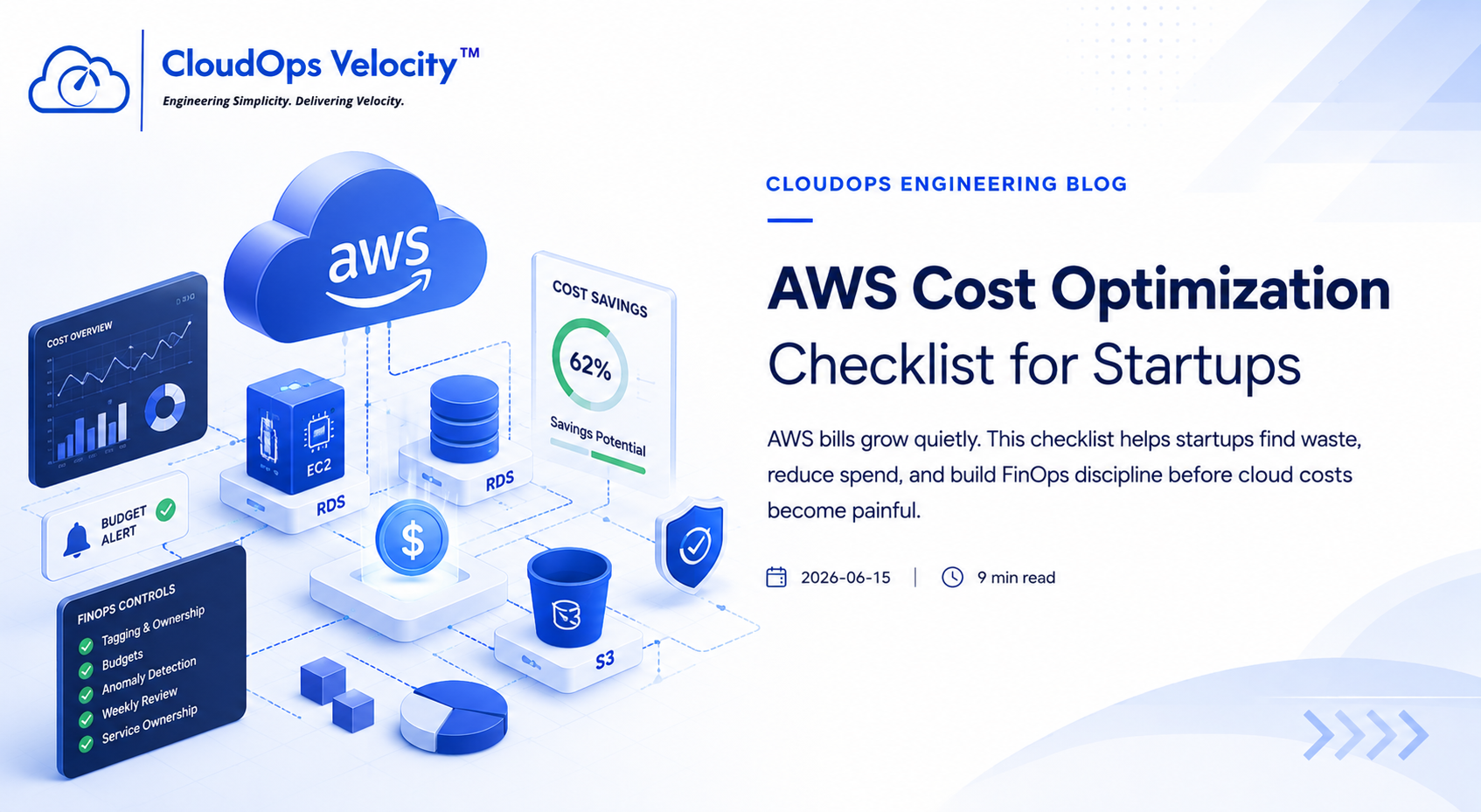
AWS Cost Optimization Checklist for Startups
AWS bills grow quietly. This checklist helps startups find waste, reduce spend, and build FinOps discipline before cloud costs become painful.
Why AWS costs increase
AWS makes it easy to create resources, but not always easy to track ownership, usage, or waste. Costs usually increase because resources are created quickly and never reviewed again.
EC2 and compute checklist
Compute is usually one of the biggest cost centers. Start by checking whether instances are actually needed and correctly sized.
- ✓Find idle EC2 instances
- ✓Right-size oversized instances
- ✓Review Auto Scaling Groups
- ✓Use Spot where safe
- ✓Stop non-production environments outside working hours
RDS and database checklist
Database costs are often ignored because teams fear touching production databases. But there are safe optimizations available.
- ✓Right-size RDS instances
- ✓Review storage growth
- ✓Clean old snapshots
- ✓Check Multi-AZ only where needed
- ✓Review read replica usage
Storage and networking checklist
S3, EBS, snapshots, NAT Gateway, and data transfer can quietly become expensive.
- ✓Add S3 lifecycle policies
- ✓Delete unattached EBS volumes
- ✓Remove unused snapshots
- ✓Review NAT Gateway traffic
- ✓Use CloudFront where appropriate
FinOps controls
Cost optimization is not a one-time cleanup. It needs visibility, ownership, and alerts.
- ✓Add mandatory resource tags
- ✓Create budgets
- ✓Enable anomaly detection
- ✓Review costs weekly
- ✓Assign service ownership
Ready to put this into practice?
If your engineering team needs help implementing these practices, we're here to help you architect, automate, and scale your infrastructure.
Frequently Asked Questions
What is the fastest way to reduce AWS costs?
Start with idle resources, oversized compute, unattached EBS volumes, old snapshots, and NAT Gateway/data transfer costs.
Should startups buy Savings Plans immediately?
Only after usage becomes predictable. Otherwise, you may lock into the wrong commitment.